
Managing tasks shouldn’t feel like a chore. Whether you’re tracking professional milestones or just trying to remember the milk, our latest integration for ZeroAI CRM is designed to bring order to the chaos.
Meet the Lists Manager—your new universal hub for every checklist, grocery run, and project phase.
What is the Lists Manager?
The Lists Manager isn’t just a simple to-do list. It is a universal engine built to handle any vertical or use case. By integrating directly with ZeroAI CRM, your lists become actionable data, not just static notes.
Key Features
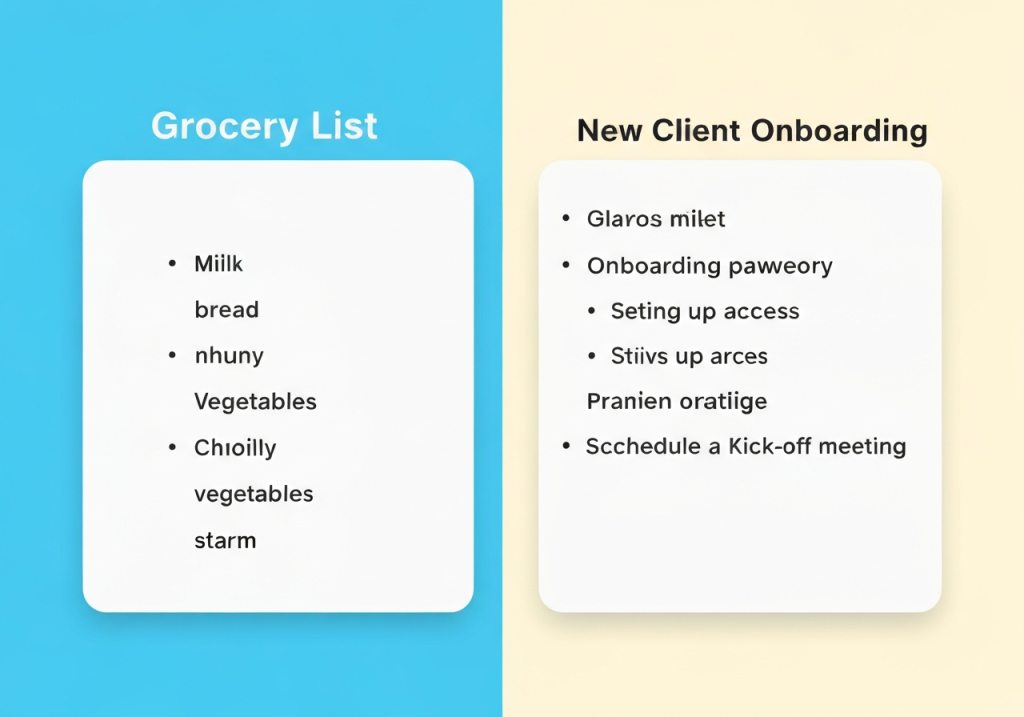
- Universal Versatility: From grocery and shopping lists to complex project checklists and recurring task sets.
- Template Library: Don’t start from scratch. Create reusable templates for onboarding, event planning, or weekly inventory.
- Cross-Vertical Use: Whether you’re in real estate, retail, or tech, the Lists Manager adapts to your specific workflow.
- Seamless Sync: Because it lives inside ZeroAI CRM, your lists are updated in real-time across all your devices.
How to Get Started
- Navigate to the Integrations tab in your ZeroAI CRM dashboard.
- Select “Lists Manager” and click “Install.”
- Create your first list or choose from our pre-built templates.
Stop juggling multiple apps and keep your focus where it belongs. The Lists Manager is here to make sure nothing falls through the cracks.