
We are excited to unveil a major upgrade to the ZeroAI BOSS interface! We’ve completely reimagined how you navigate your workspace to give you more speed, more intelligence, and—most importantly—more room to create.
Automatic Integration & Smart Grouping
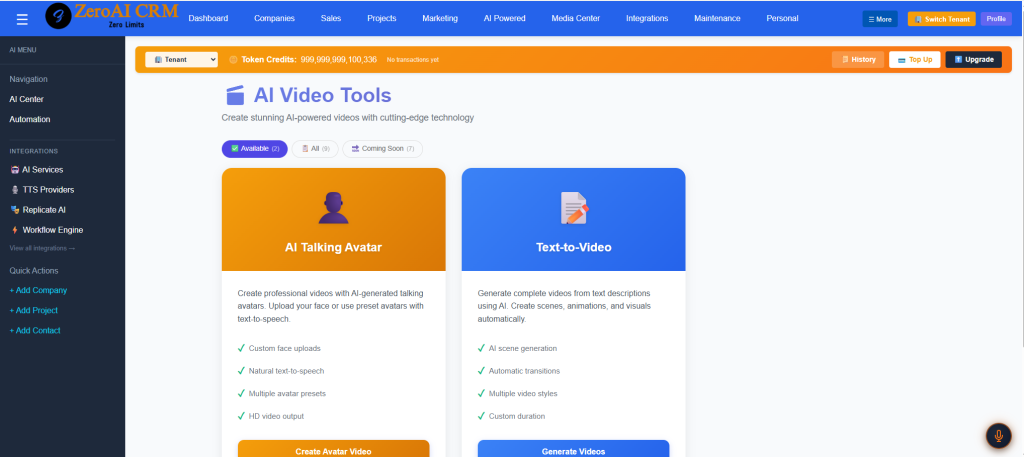
In the past, setting up the extensive side menu required a manual trip to the Admin Center for every new addition. While you still have full control via the Admin Center, ZeroAI BOSS now does the heavy lifting for you.
As you build and connect new tools, the system automatically identifies and combines similar integrations. No more cluttered lists; your workspace now intelligently organizes itself as it grows, ensuring your environment stays clean without any extra effort on your part.
Usage-Based Prioritization
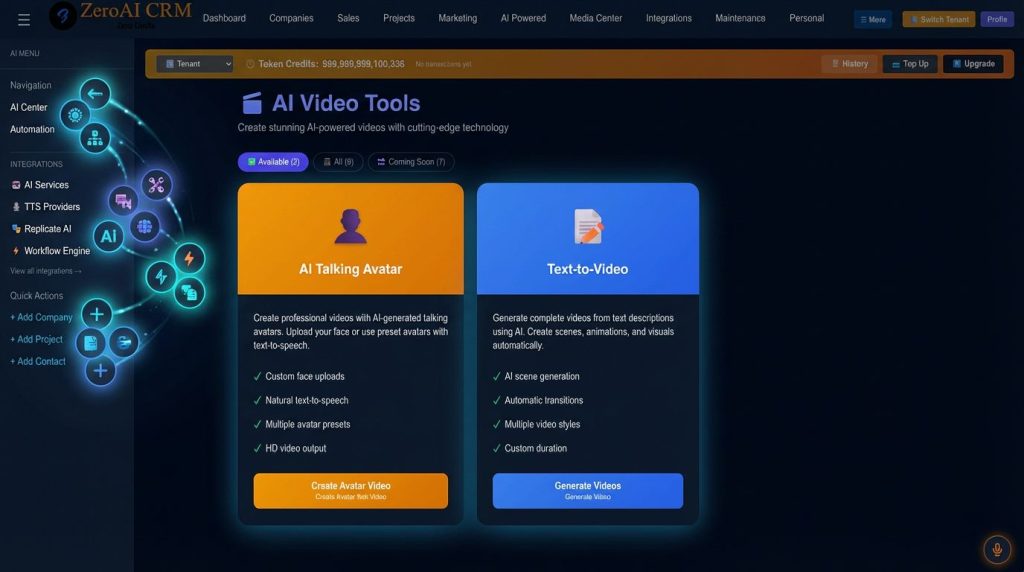
Why hunt for the tools you use every hour? Our new Smart Tracking engine monitors your activity and reorders your menu items based on frequency. Your most-used integrations will naturally rise to the top, creating a personalized navigation experience that adapts to your unique workflow. It’s not just a menu; it’s a reflection of how you work.
More Space to Build: Collapsed by Default
We know that screen real estate is precious. To give you the ultimate focus mode, the left menu is now closed by default. This simple change significantly expands your primary workspace, allowing you to dive deep into your projects without distraction. When you need to switch gears, a quick hover or click brings your smart, prioritized menu right back to your fingertips.
Experience a faster, cleaner, and more intuitive ZeroAI BOSS today.